
 how-to
How to Automate Scheduling for Service Firms
Table of Contents
- Why Automate Scheduling for Service Firms
- Best Service Scheduling Software Options
- Automated Scheduling Workflow Examples
- Scheduling Software Best Practices
- Implementation Steps for Service Scheduling Automation
- Common Mistakes to Avoid When Automating Scheduling
- Measuring ROI and Operational Impact
- Frequently Asked Questions
Last Updated: August 31, 2026
Why Automate Scheduling for Service Firms
Service businesses waste enormous amounts of time on manual scheduling, fielding calls, exchanging emails, checking multiple calendars, and managing double-bookings. Automating scheduling solves this at the foundation. When clients book themselves 24/7 through a self-service portal, your team reclaims hours each week. Automated reminders cut no-shows dramatically. Payment collection happens upfront. Follow-ups trigger without human intervention.
The real advantage emerges when scheduling automation connects to your broader workflow. Lead qualification happens automatically. Demo bookings populate your calendar without back-and-forth. Post-appointment sequences nurture clients without manual effort. Custom AI solutions like Azmi AI create genuine competitive advantage by adapting to your exact process rather than forcing your business into generic tool constraints.

A small service firm with three staff members handling 50 appointments per week spends roughly 10-12 hours weekly on scheduling tasks alone, nearly 500 hours annually, equivalent to a quarter-time employee (US Bureau of Labor Statistics productivity data).
Best Service Scheduling Software Options
Choosing the right scheduling tool depends on your workflow, team size, and integration needs.
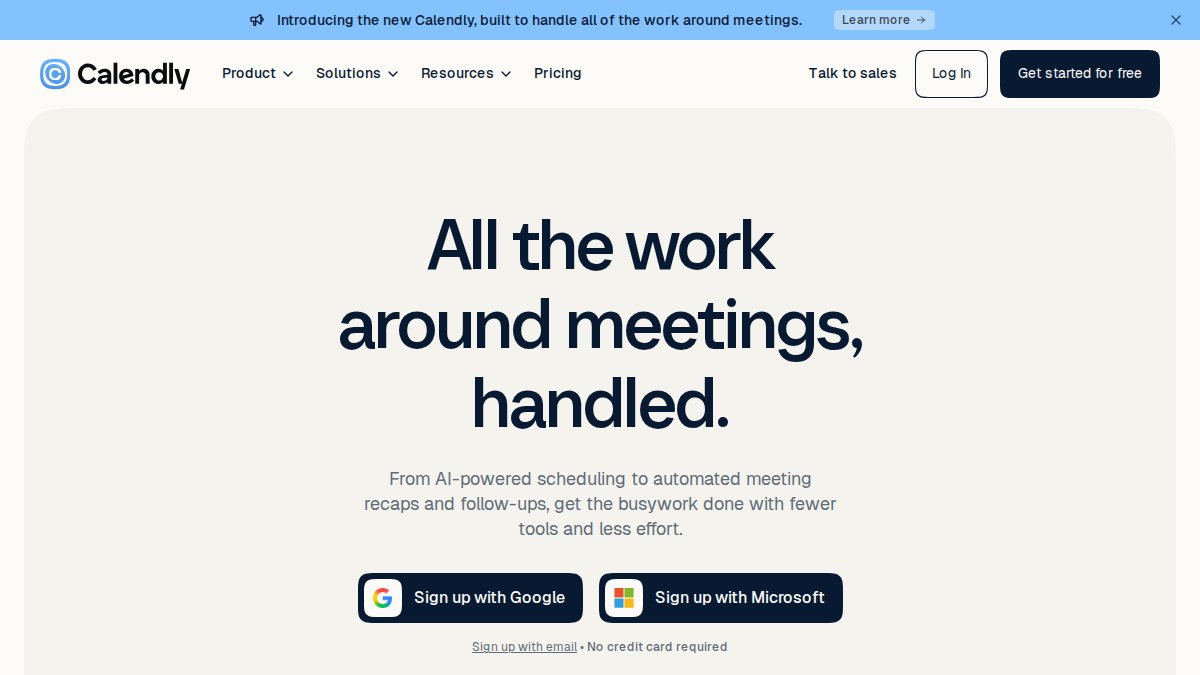
Calendly
Calendly eliminates email back-and-forth by letting clients book directly into your calendar. It syncs with your existing calendar system, prevents double bookings, and integrates with Zoom, Slack, Salesforce, and dozens of other platforms.
Best for: Sales teams scheduling demos, recruiters coordinating interviews, and professionals managing one-off meetings.
Key features:
- Multi-user and round-robin scheduling for team coordination
- Automatic calendar sync across platforms
- Integration with major CRM and communication tools
- Customizable booking pages with branding
Pricing: Starting at €10/seat/month (billed annually).
Pros:
- Exceptionally easy setup, most users operational within 15 minutes
- Prevents double bookings through real-time calendar integration
- Free plan available for basic scheduling needs
Cons:
- Per-user pricing becomes expensive as teams grow
- Lacks features specific to service businesses like payment processing or staff management
- Not designed for recurring appointments or complex resource allocation
Acuity Scheduling
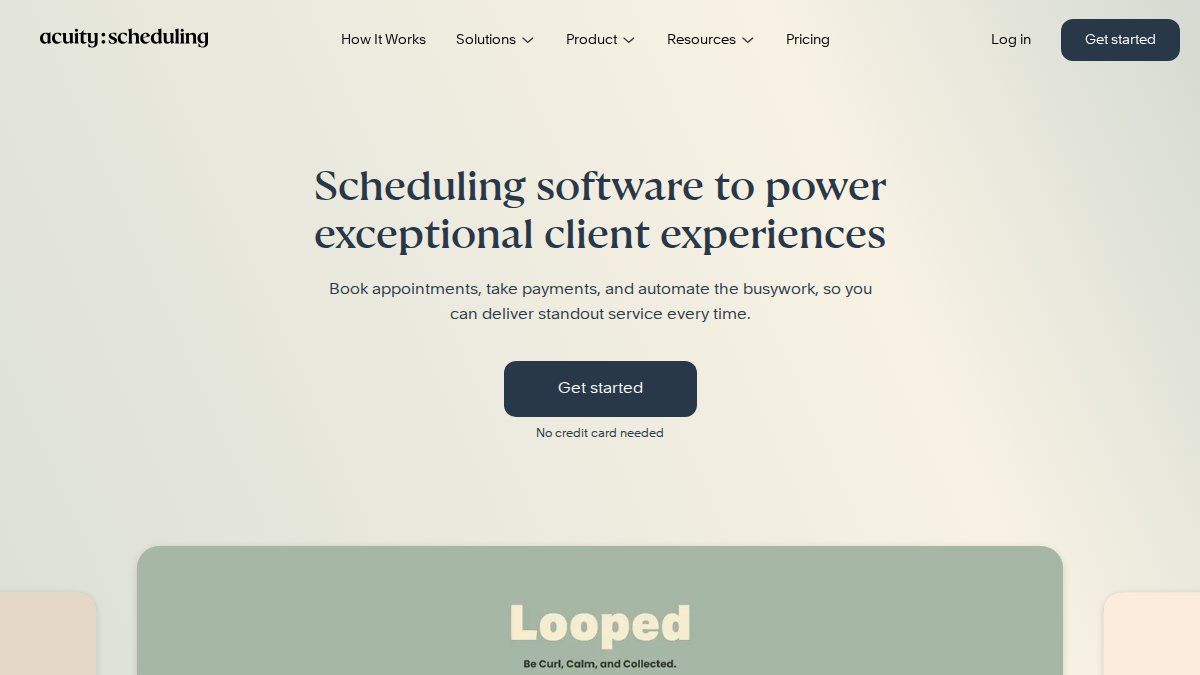
Acuity Scheduling targets service professionals who need to manage bookings, payments, client communication, and staff availability in one place. It's built specifically for salons, coaching practices, trainers, and consultants.
Best for: Solo practitioners and small service businesses where flat-rate pricing matters more than per-user fees.
Key features:
- 24/7 client self-service booking based on real-time availability
- Automated custom email and SMS reminders and confirmations
- Payment processing through Stripe, Square, and PayPal
- Package and subscription management for recurring services
Pricing: Starting at €16/month (billed annually). Flat-rate pricing based on calendar count, not per user.
Pros:
- User-friendly interface with extensive customization options
- Flat-rate pricing regardless of team size
- Higher-tier plans include packages, subscriptions, and gift certificates
Cons:
- No free plan (only a 7-day free trial)
- Compliance with data protection regulations for sensitive information may require higher-tier plans, adding cost for certain providers.
- Starter plan displays "Powered by Acuity Scheduling" branding on client booking pages
Setmore
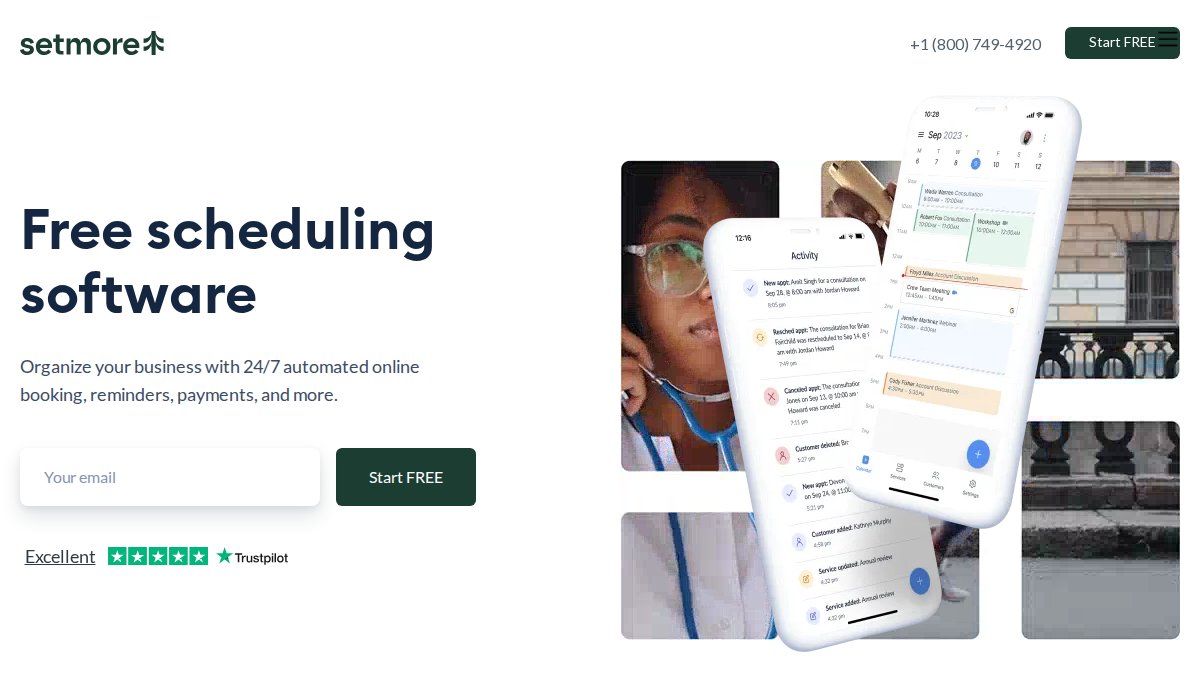
Setmore is designed for small teams and solo providers who need straightforward appointment scheduling. It offers a generous free plan supporting up to four users and 200 appointments per month.
Best for: Solo providers or small teams (1-4 users) with basic scheduling needs, or price-sensitive businesses starting automation.
Key features:
- Online booking with a branded booking page
- Automated email reminders
- Integration with Google Calendar, Facebook, Instagram, Zoom, and business apps
- Payment processing through Stripe, Square, and PayPal
Pricing: Free plan available; Pro plan starts at €5/user/month (billed annually).
Pros:
- Generous free plan supporting up to four users and 200 appointments monthly
- Minimal learning curve, straightforward interface
- Strong integrations with Google Calendar and social media platforms
Cons:
- SMS reminders and two-way calendar sync require a paid plan
- Payment processing relies on third-party integrations with additional transaction fees
- Free plan limitations on online meetings and calendar synchronization
Azmi AI Custom Workflows
Azmi AI deploys custom AI agents that automate your exact scheduling workflow, including lead qualification, appointment booking, confirmations, reminders, and post-appointment follow-up, all integrated with your existing systems.
Best for: Service firms needing more than basic scheduling; businesses wanting 24/7 availability across time zones and languages; teams seeking intelligent lead qualification before booking.
Key features:
- Custom AI agents tailored to your specific workflow
- 24/7 availability for booking and customer inquiries
- Agentic workflows that qualify leads before scheduling
- Integration with existing CRM, payment, and calendar systems
- Multi-language and multi-timezone support
- Automated post-appointment workflows and follow-up sequences
Pricing: Free trial available. Pricing depends on the scope and complexity of your custom workflows.
Pros:
- Implementation in approximately one week
- Personalized strategy ensures the solution matches your actual needs
- Intelligent lead qualification reduces booking of unqualified prospects
- Seamless handoff to human agents when needed
- Scales across time zones without additional overhead
Cons:
- Requires more upfront planning than off-the-shelf tools
- Custom workflows mean you're designing your process, not just configuring settings
Automated Scheduling Workflow Examples
Understanding how automation works in practice is crucial before implementation.
Lead Qualification and Demo Booking
A B2B service firm receives website inquiries but books demos with unqualified prospects, wasting sales time. Deploy an AI agent that qualifies leads before scheduling.
A prospect fills out a contact form or starts a chat. The AI agent asks qualifying questions about company size, budget range, current solution, and timeline. Based on responses, the agent either books a demo directly into your calendar or explains why the prospect isn't a fit. Only qualified leads reach your sales team's calendar, reducing demo no-shows.
Appointment Confirmation and Reminders
A service firm books 40 appointments weekly but experiences 15-20% no-shows. Automated reminders address this directly.
The workflow sends a confirmation email immediately after booking, then triggers SMS reminders at 48 hours and 24 hours before the appointment. Clients can reschedule or cancel directly from the SMS or email without contacting your team. This reduces no-shows.
Post-Appointment Follow-Up Automation
After an appointment concludes, automated sequences ensure nothing falls through cracks. The workflow triggers immediately after an appointment ends, sending personalized thank-you emails with next steps or follow-up offers based on appointment details and client history. This typically increases conversion rates.
Scheduling Software Best Practices
Implementing scheduling automation correctly requires more than selecting a tool.
Real-Time Availability and Calendar Sync
The foundation of effective scheduling automation is accurate availability. Real-time calendar synchronization keeps your scheduling tool synchronized with your actual calendar across all platforms. When you block time for internal meetings or personal commitments, that time immediately becomes unavailable for new bookings.
Most modern scheduling tools support two-way sync with Google Calendar, Outlook, and Apple Calendar (Google Workspace Calendar features). However, sync speed matters. For service firms handling frequent changes, real-time sync is essential.
Reducing No-Shows Through Automated Reminders
No-shows represent lost revenue and wasted capacity. The effective pattern is multiple reminders across different channels: email at 48 hours, SMS at 24 hours, and optionally a phone call at 12 hours for high-value appointments. SMS reminders are significantly more effective than email because they arrive on the device clients carry constantly (Research on SMS effectiveness for appointment reminders). Include reschedule and cancel options directly in the reminder to free the time slot for other prospects immediately.
Team Adoption and Change Management
The most common reason scheduling automation fails is adoption. Your team continues using the old process because they don't understand the new one or don't trust it.
Successful implementation requires clear communication before launch. Show your team what changes: how they'll access their calendar, how client bookings appear, how reminders work. Assign one team member as the scheduling owner, responsible for troubleshooting issues and answering questions. Monitor the first two weeks closely and address issues immediately.
Implementation Steps for Service Scheduling Automation
Moving from decision to operational system requires a structured approach.
Step 1: Audit Your Current Booking Process
Before selecting any tool, document exactly how bookings currently work. Map the entire process: How do prospects initially contact you? Who handles initial inquiries? How is availability checked? Who confirms bookings? What happens if someone needs to reschedule?
Identify pain points: Where does the process break down? Where do errors occur? Where does your team spend the most time? Document the systems you currently use: your calendar system, CRM, payment processor, email platform, communication tools.
Step 2: Choose Your Scheduling Tool
Your audit results should guide this decision. If you need simple calendar synchronization for a small sales team, Calendly is sufficient. If you're a service business with recurring clients, payments, and staff management, Acuity Scheduling or Setmore fit better. If you need intelligent lead qualification and multi-language support, Azmi AI's custom workflows address those specific needs.
Request a trial or free plan access and spend 30 minutes actually using the tool with your team. Does the interface make sense? Can you integrate it with your existing systems?
Step 3: Integrate with Existing Systems
Most scheduling tools offer integrations with common platforms. Start with calendar integration and test two-way sync: block time in your calendar and verify it's unavailable in the booking system within minutes.
Connect your payment processor if you collect deposits or full payment at booking. If you use a CRM, connect it so booking data flows automatically.
Step 4: Configure Automated Workflows
Once integrations are live, configure the automated sequences: confirmations, reminders, follow-ups. Start with confirmation emails. When a client books an appointment, they should receive an immediate confirmation with appointment details, calendar invite, and any preparation instructions.
Add reminders: email at 48 hours, SMS at 24 hours. Configure post-appointment workflows: thank-you emails, feedback requests, follow-up offers. Test each workflow end-to-end before going live.
Step 5: Train Your Team and Monitor Results
Launch with your team fully prepared. Conduct a 30-minute training session covering how to access their calendar in the new system, how client bookings appear, and how to handle rescheduling requests.
Provide written documentation with screenshots. Assign your scheduling owner as the point person for questions. Monitor the first two weeks closely and track: Are clients successfully booking appointments? Are reminders being sent? Are no-shows decreasing?

Common Mistakes to Avoid When Automating Scheduling
Most scheduling automation failures follow predictable patterns.
Launching without team buy-in. If your team doesn't understand why you're changing systems or how it benefits them, they'll resist. Invest time in explaining the change before launch.
Incomplete calendar integration. Many teams set up one-way sync and wonder why conflicts still occur. Verify two-way sync is active and test it. Also verify that all calendars are connected.
Skipping the audit step. Teams often select a tool based on reputation or price, then discover it doesn't fit their actual workflow. Spend a few hours documenting your current process before choosing a tool.
Insufficient reminders. A single email reminder is almost ineffective. Multiple reminders across channels (email, SMS, phone) dramatically reduce no-shows.
Ignoring the human handoff. Automation handles routine tasks well, but complex situations require human judgment. Design workflows with clear escalation points.
Not measuring results. If you don't track metrics before and after implementation, you can't justify the investment. Measure: hours spent on scheduling, no-show rate, booking volume, revenue impact.
Measuring ROI and Operational Impact
Understanding the actual return on your scheduling automation investment requires measuring specific metrics before and after implementation.
Time savings. Track how many hours your team currently spends on scheduling tasks. After implementation, measure the same activities. Most teams see significant time savings for a small firm.
No-show reduction. Document your current no-show rate. After implementing automated reminders, measure the new rate. Most businesses see no-shows drop. If you book 40 appointments per week at an average value of €200, reducing no-shows can recover significant revenue.
Booking volume. With 24/7 self-service booking, you'll capture appointments that previously required staff availability. Track how many bookings occur outside business hours.
Customer satisfaction. Survey clients about the booking experience before and after. Most report significantly higher satisfaction with self-service booking.
For a small service firm with three staff members, typical ROI can be substantial against a software cost.
Automating scheduling for service firms transforms how you operate. The time your team reclaims, the no-shows you prevent, and the revenue you capture from 24/7 availability compound quickly. The key is choosing a solution that matches your actual workflow rather than forcing your business to conform to generic software constraints.
Azmi AI specializes in exactly this challenge. Rather than configuring predefined features, Azmi AI deploys custom AI agents that automate your specific booking process, qualify leads intelligently, and handle multi-language, multi-timezone inquiries 24/7. Your team gets a free trial to test how custom workflows integrate with your existing systems. Start with a single workflow, lead qualification or appointment confirmations, and expand from there as you see results.
Frequently Asked Questions
What is the best scheduling software for a service business?
The best scheduling software depends on your specific needs. For small teams, Setmore offers a generous free plan and low per-user costs. Acuity Scheduling works well for solo practitioners with flat-rate pricing. For businesses needing custom AI workflows that integrate deeply with your operations, Azmi AI provides tailored solutions implemented in about one week. Compare features like calendar sync, automated reminders, payment processing, and integration capabilities before deciding.
How does automated scheduling reduce no-shows?
Automated scheduling reduces no-shows through multiple mechanisms. SMS and email reminders sent 24 hours and 1 hour before appointments significantly improve attendance rates. Confirmation steps where customers verify their booking create accountability. Real-time availability displays prevent booking errors that frustrate customers. When customers receive consistent, timely communications and have confidence their slot is secure, show rates typically improve.
Can automated scheduling software integrate with my existing CRM and payment tools?
Most modern scheduling platforms integrate with popular CRM systems, payment processors, and calendar applications. Calendly syncs with Google Calendar and Outlook. Acuity Scheduling integrates with Stripe, Square, and PayPal. Azmi AI uses agentic workflows that connect to your existing systems as part of the implementation process. Before choosing a tool, verify it supports your specific CRM, payment gateway, and calendar system to avoid integration headaches.
How long does it take to implement automated scheduling for a service firm?
Implementation time varies by complexity. Simple scheduling tools like Setmore or Calendly can be operational within hours or days. More comprehensive solutions with custom workflows typically take 1-2 weeks. Azmi AI implements custom scheduling automation in approximately one week, including integration with your existing systems, team training, and workflow configuration. The timeline depends on how many systems you need to connect and how thoroughly you want to train staff.
This article was written using GrandRanker